 SnapFolio
Your CV into a live portfolio.
one chat with Claude, no codingSnapFolio is a step-by-step kit. Paste one prompt, attach your CV, answer a few questions, and download a finished website you can share as a link.
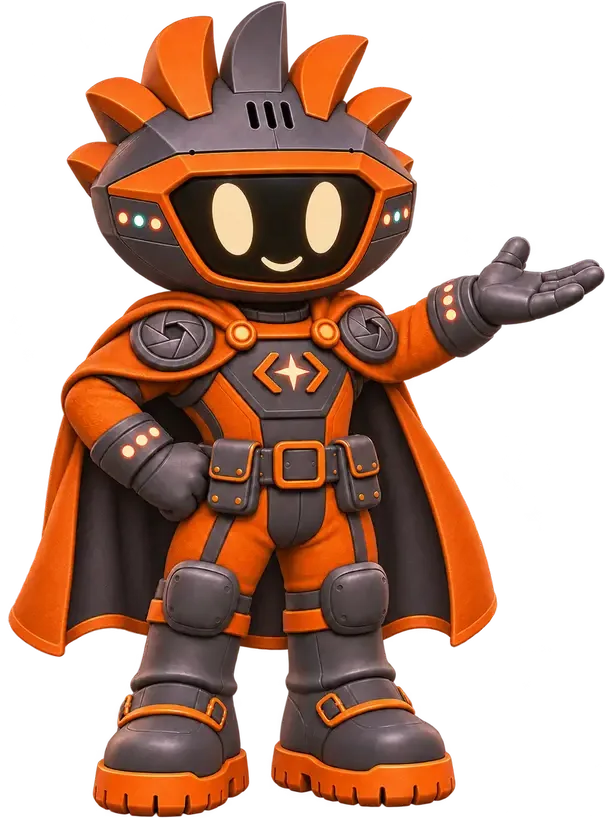
A CV tells people what you did. A portfolio shows them.
You already have the hard part: your work history, your skills, the tools you use. It just lives in a file that gets attached, downloaded, and lost.
A portfolio website puts the same story on one link you can paste into a job application, a client message, or your social bio. Building one usually means learning website tools or paying someone. SnapFolio skips both.
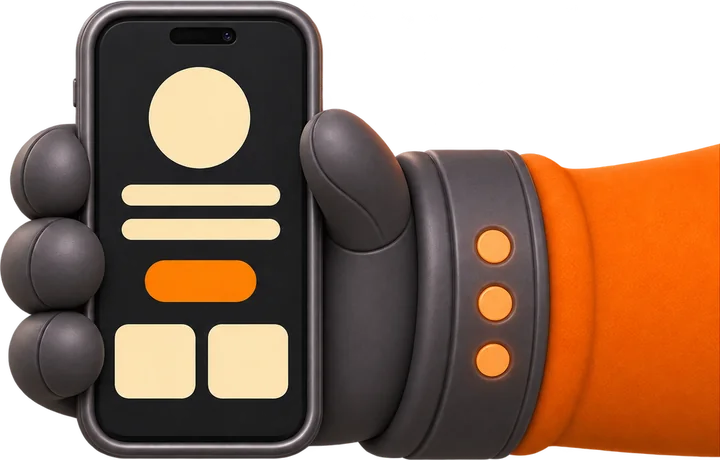
Let's turn your CV into a website.
Five steps, one chat.
the guide takes about 5 minutes to read
Open Claude
Start a new chat at claude.ai. The kit is built to run on a free account.
Paste the prompt
Open snapfolio-prompt.txt, copy everything, paste it into the chat and send.
Attach your CV
Add a photo if you want one, or type SKIP. Your initials are used instead.
Answer a few questions
Pick a look, choose your intro message, add any missing contact details, then check the recap.
Download and publish
Get your index.html and put it online with Netlify Drop or Vercel. The guide shows both.
Pick your look.
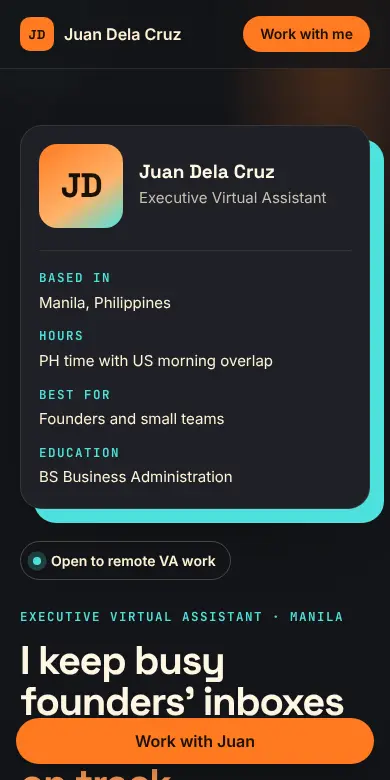
Five full page designs come with the kit. These are the real examples, built for a fictional VA named Juan. Your page uses your own CV.

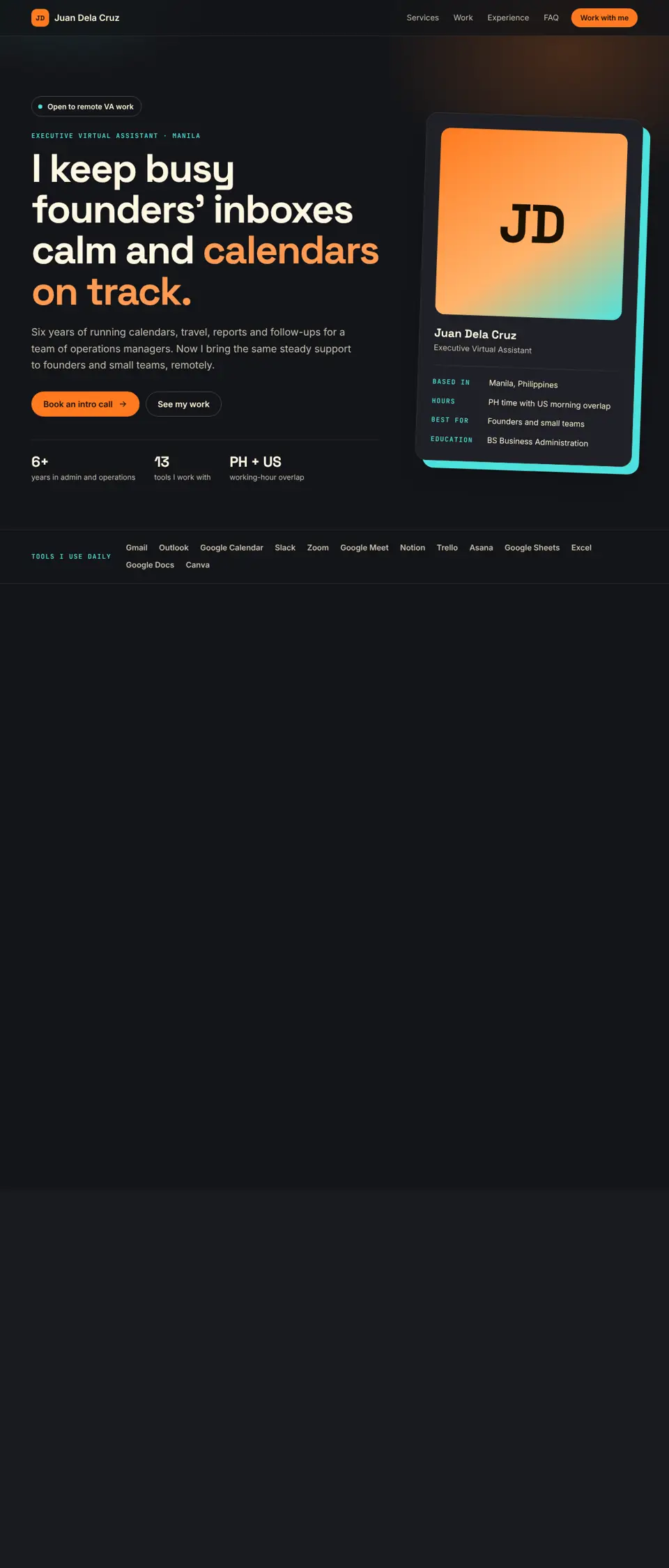
hover or tap the screen to scroll the page
Juan Dela Cruz and his details are fictional examples from the kit.
Everything in the kit.
One zip file. Unzip it and open the guide first. Each folder is numbered in the order you use it.
 00-START-HERE.pdf 6 pages
Snappy's illustrated guide: how it works, what happens inside the chat, how to edit your page, how to put it online, and quick fixes.
- 00-START-HERE-TAGALOG.pdf 6 pages
The same guide in Taglish.
- snapfolio-prompt.txt
The one prompt you paste into Claude. It asks one question at a time and tells Claude never to make up facts about you.
- 1-templates 5 pages
Full example pages you can open and compare. Attach the one you pick in the chat so your page matches it.
Forward SparkEditorialWork IndexField NotesProject Brief - 2-fix-it / snapfolio-fix-it.txt
Copy-paste fixes for common problems, like a missing photo, a chat that stopped, or a blank page.
 all of it, in one download
What your page will have
Every look is a full page, built only from your CV and your answers.
Made for people with a CV and no time for website builders.

SnapFolio is for you if
- You have a CV or résumé and want a link that shows your work.
- You're applying for remote work, freelance projects, or VA roles.
- You've never coded and don't want to start now.
- You want to keep changing your page in plain words, on your own.
It's not for you if
- You want someone to build the site for you. This is a do-it-yourself kit.
- You need an online store, a blog, or many pages.

Your guide from the first chat to your published website.
Snappy shows up through the whole guide, so you always know which step you're on and what to do next. If something goes wrong, the fix-it guide tells you exactly what to type.
Get the SnapFolio Kit.
your portfolio starts with one downloadSnapFolio Digital Kit
- 6-page illustrated START HERE guide, in English and Tagalog
- The SnapFolio prompt for Claude
- 5 full page looks to choose from
- Fix-it guide for common problems
- Publishing steps for Netlify Drop and Vercel
Regular price
One-time payment. Your Google Drive download link is emailed after we confirm your payment.
Pay with Maya or any InstaPay bank app
Questions, answered.still unsure? the fix-it guide has your back
Do I need to know how to code?
No. You copy one prompt, answer questions in a chat with Claude, and download a finished index.html file. You never edit code yourself.
What do I need before I start?
A Claude account at claude.ai (the kit is built for a free account), your CV, and a photo if you want one. The guide also shows one Claude setting to turn on so your photo and download work.
Free plans have message limits. If the chat stops, wait a few hours or start a new chat. The fix-it guide shows how to pick up where you left off.
Can I change my page after it's built?
Yes. Your first page is a draft. Ask for changes in plain words in the same chat, like "make my intro shorter" or "switch to the Editorial look." If the chat is full, start a new one, attach your latest index.html, and describe the change.
How do I put my page online?
The guide walks you through two options: Netlify Drop, where you drop your file onto a page, or Vercel with GitHub. Then you open your link on your phone to check it.
Will Claude make things up about me?
The prompt tells Claude to use only your CV and your answers, and to ask you when something is missing or unclear. You also check a full recap before anything is built.
Is my personal information safe?
You choose every detail that goes public. The guide reminds you to remove your home address from your CV first, and to share only your portfolio link, never your CV file.
How do I get the kit after paying?
Scan the Maya QR with Maya or any bank app that supports InstaPay, pay the exact amount, and enter your reference number. We check each payment by hand, then email a Google Drive link to the kit to the address you entered.